Every request. Every room. Every colleague — in sync.
Task Management from Pynbooking keeps the hotel team synchronized in real time. From housekeeping to maintenance, assign tasks, track progress and resolve guest requests before they become complaints.
Request a demo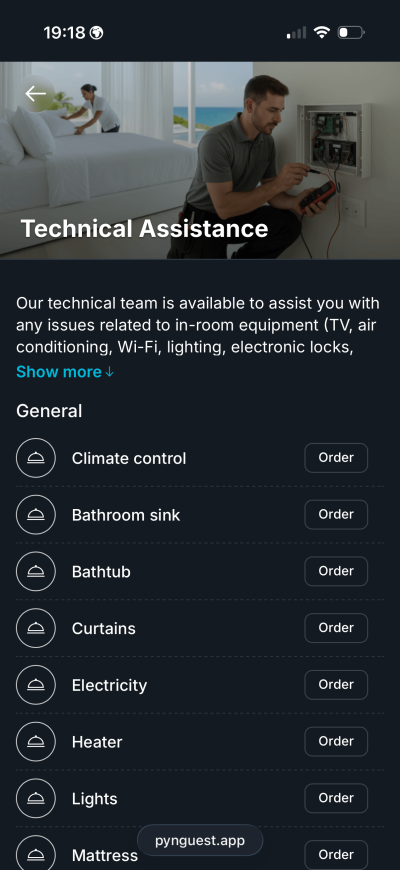
Operations without grey areas
From request to resolution — traceable and measurable.
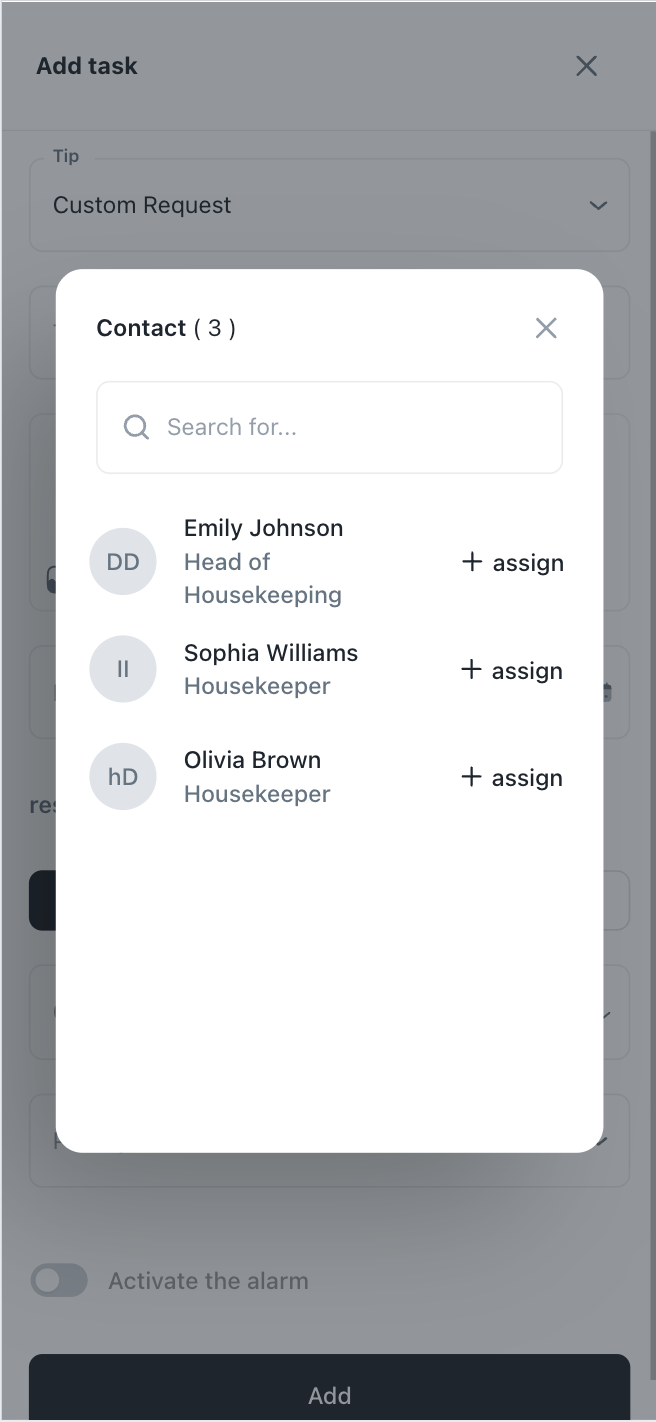
Department assignment
Each task automatically goes to the right department — housekeeping, maintenance, restaurant, reception.
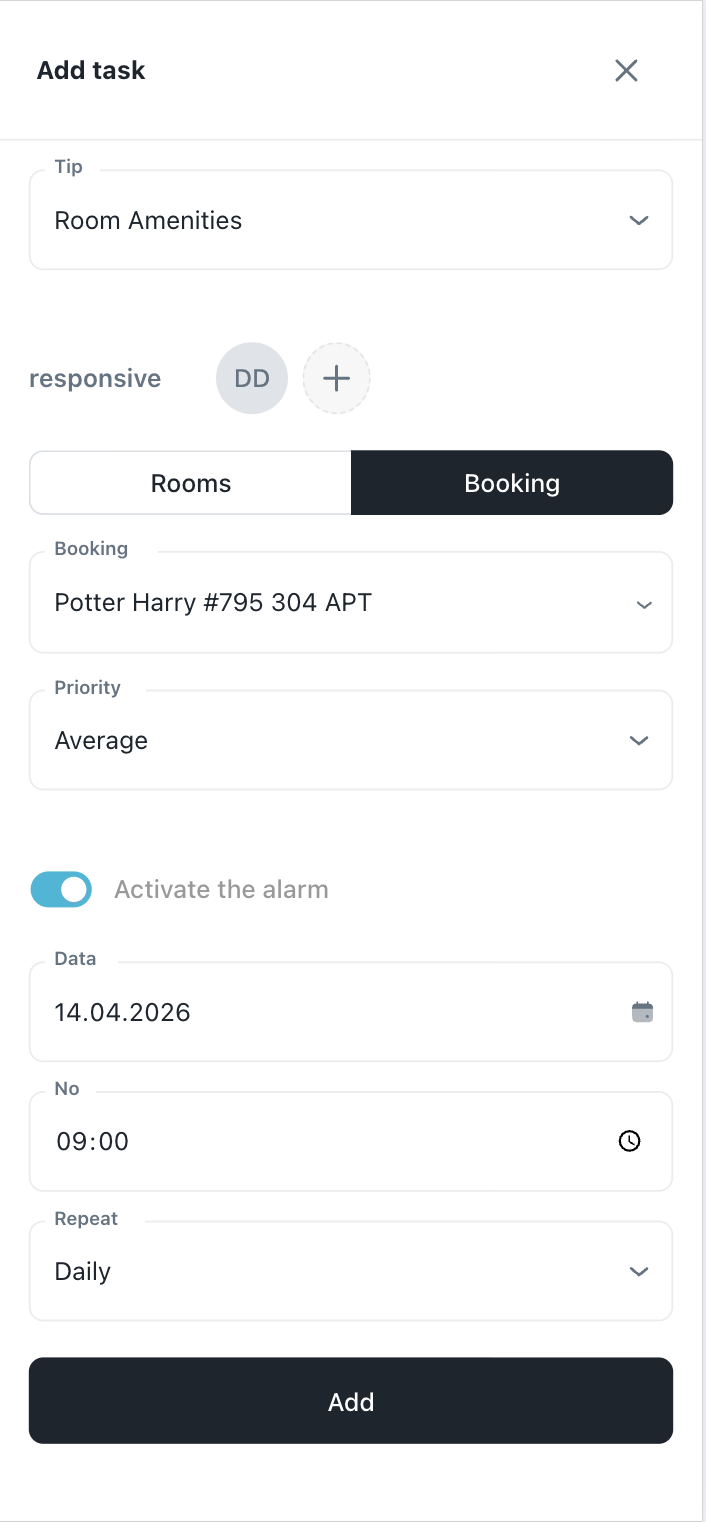
Priorities and deadlines
Set the priority and deadline for each task — the team sees what's urgent and what can wait.
Automatic follow-up
A task not resolved in time automatically generates an alert for the manager.
Push notifications
Staff receives an instant notification on their phone when a task is assigned or updated.
Average response time
Reports per department — identify where delays occur and optimize processes.
Complete history
Every guest request is recorded with timestamp, responsible person and final status.
Request goes directly
Submit a request from the app and it instantly reaches the person in charge — not the reception who calls again.
Confirmation it was picked up
You receive a notification that the request has been picked up and who is handling it.
Real-time status
You can see if the task is in progress, resolved or if there is a delay.
No more calling 3 times
You no longer need to track the request yourself — the system tracks it for you.
Hotel Centralized Dashboard
Create and assign tasks across all departments — housekeeping, maintenance, minibar, concierge and more. Each task includes the room, reservation, priority, assignee and a complete activity log.
- Filter by status, date, priority or assignee
- Instant notification when a task is assigned
- Status updated in real time from any device
One system for all your teams
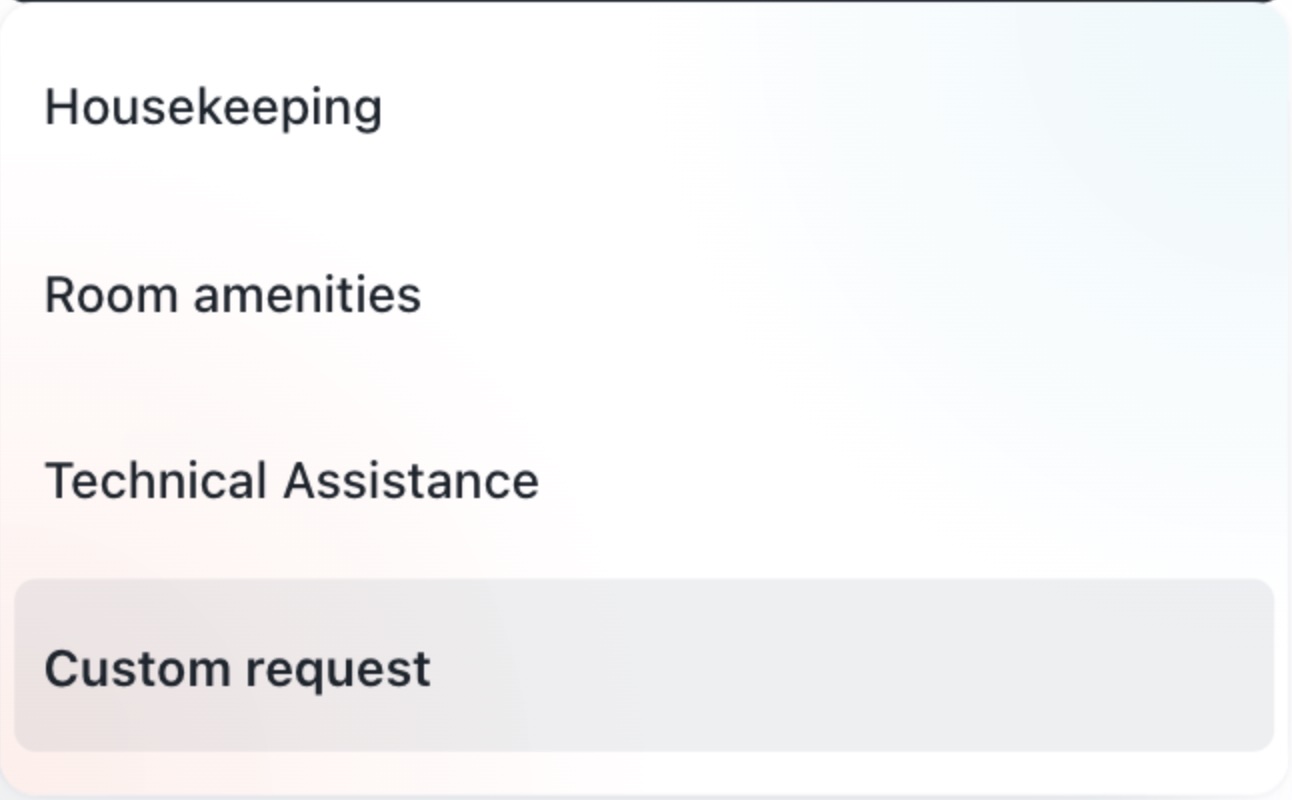
From housekeeping to maintenance and from minibar to reception — one single system that coordinates all departments, with the complete history of each task and the ability to attach photos and notes.
- Every status change and comment automatically recorded
- Attachments and notes directly on the task
- Shift handover with no information loss
Why it works
Clear benefits for your team and guests.
Centralized dashboard
All hotel tasks in one place — filtered by status, date, priority or assignee. No more tracking updates on the phone.
Real-time notifications
New guest requests appear instantly in the dashboard. Staff is notified immediately when a task is assigned to them.
Priority levels
Mark tasks as Low, Medium or High — the team always knows what needs to be resolved first.
Multi-department support
Housekeeping, maintenance, minibar, reception — one single system that works for all hotel departments.
Complete history
Every status change, comment and update is recorded. Perfect for accountability and shift handover.
Attachments and comments
Staff adds photos and notes directly on the task — all context in one place.
Frequently asked questions
Answers to the most common questions about the Task Management module.
Does it work without the guest app?
Yes. Staff can manually enter tasks from the admin panel — regardless of the channel through which the request came in.
Can recurring tasks be created?
Yes. Daily or weekly checklist tasks can be scheduled automatically.
Does the manager receive notifications if a task exceeds the deadline?
Yes. Escalation alerts are configurable — the manager is notified if a task is not resolved within the set interval.
Can departments communicate with each other on a task?
Yes. Each task has an internal comment field — the technician and reception can discuss directly in the system.
How many departments can I manage?
Unlimited. You can create as many departments and sub-departments as you need.
No request lost. No task forgotten.
Try Pynbooking Task Management — your team synchronized, your guests satisfied.
Request a demo